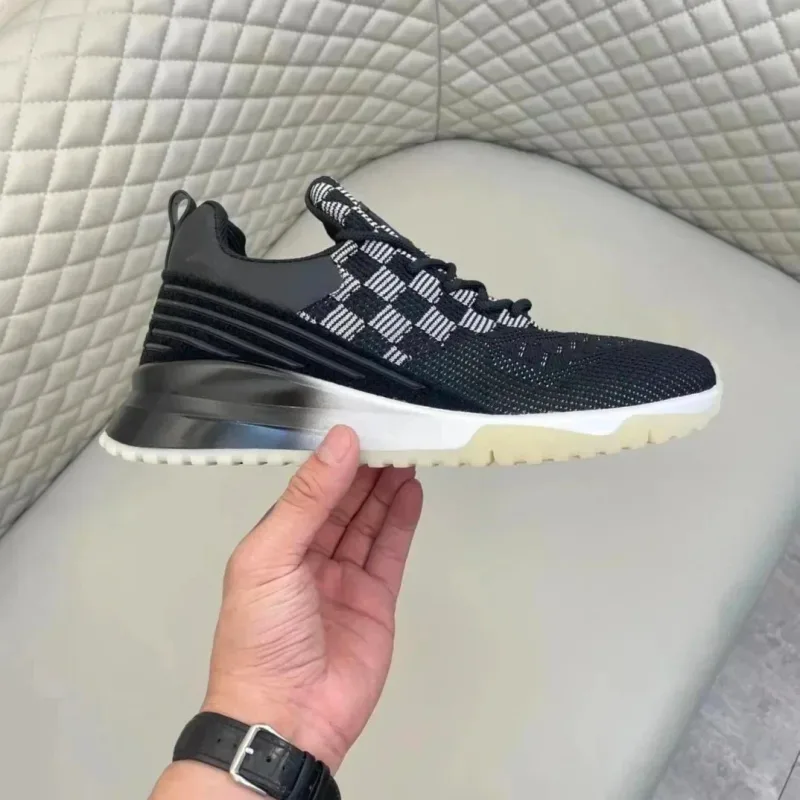
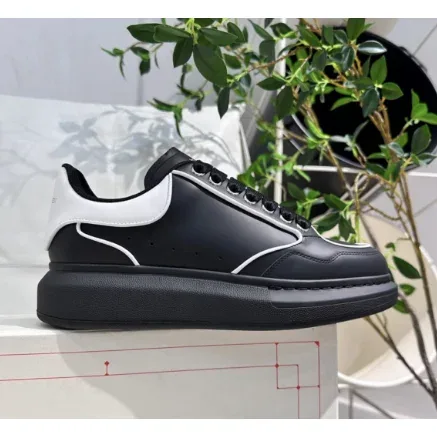
Unisex Black & White Checkered Sneakers
~$107.50 USD
Source reports 8 QC photosLive listing not recently checked

Compare saved Shoes references here, then open the linked product page to check current details. Orders and fulfillment take place outside this site.
Browse more spreadsheet Shoes products ↗
~$107.50 USD
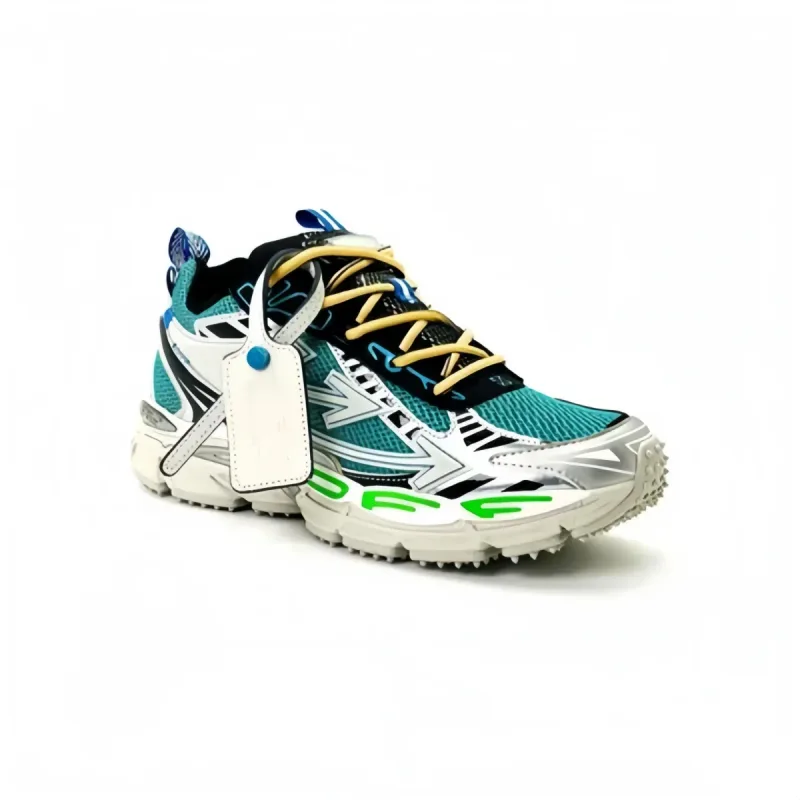
~$100.28 USD
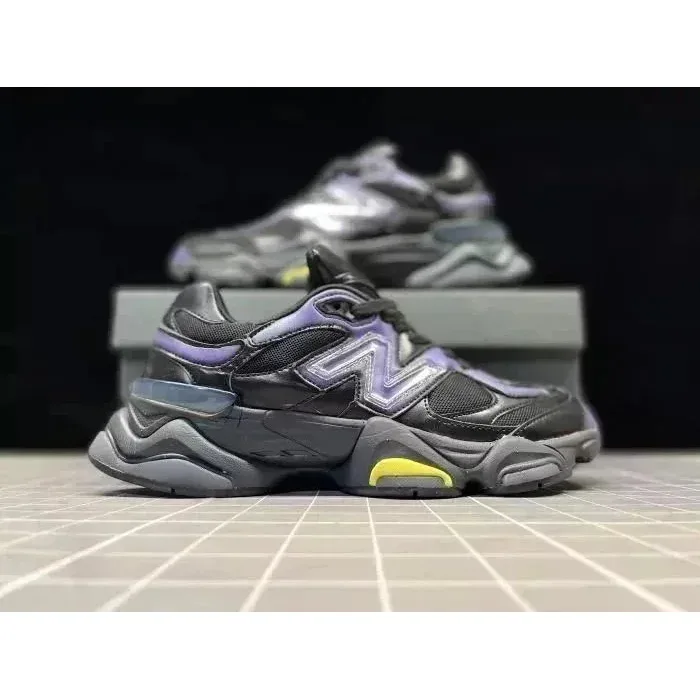
~$45.00 USD
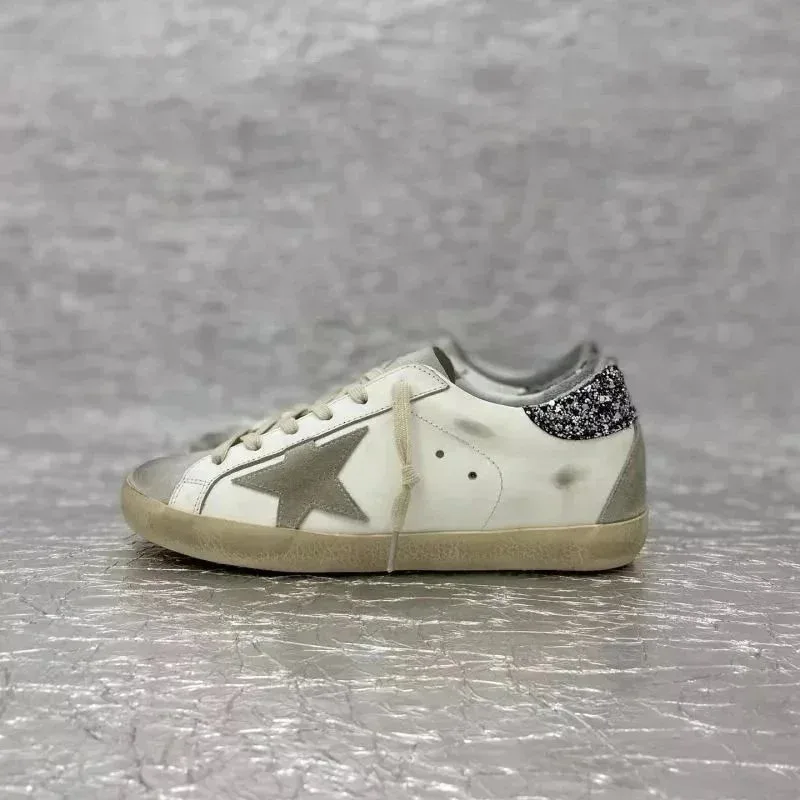
~$57.60 USD
~$83.06 USD
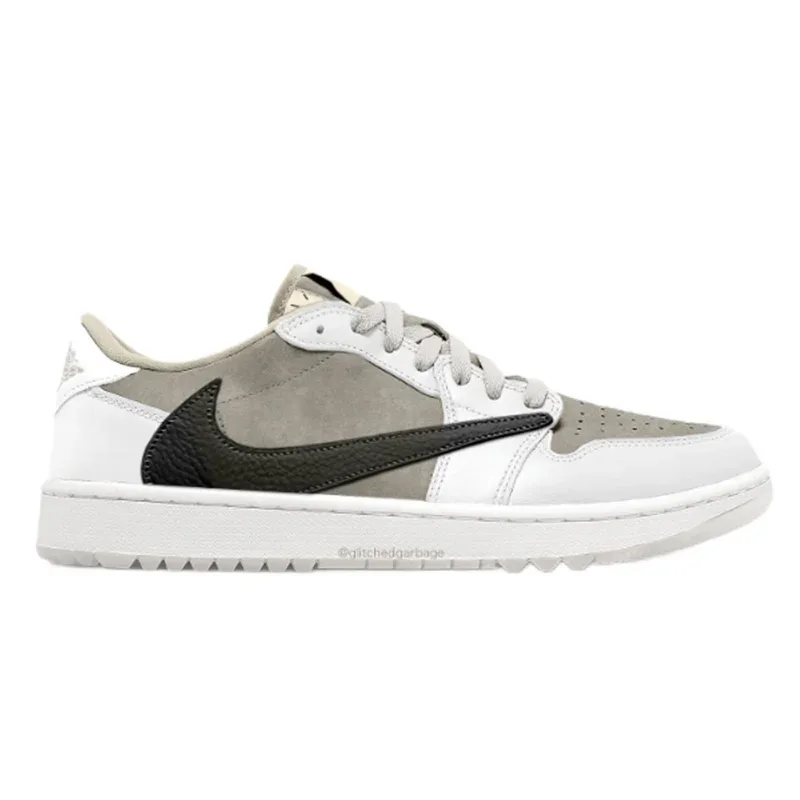
~$31.94 USD
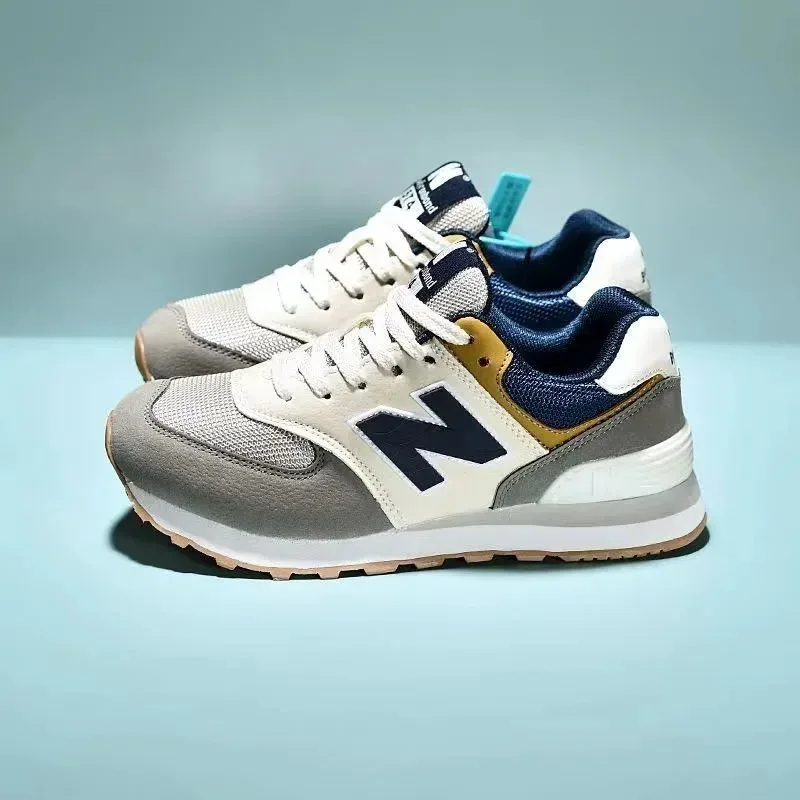
~$48.17 USD
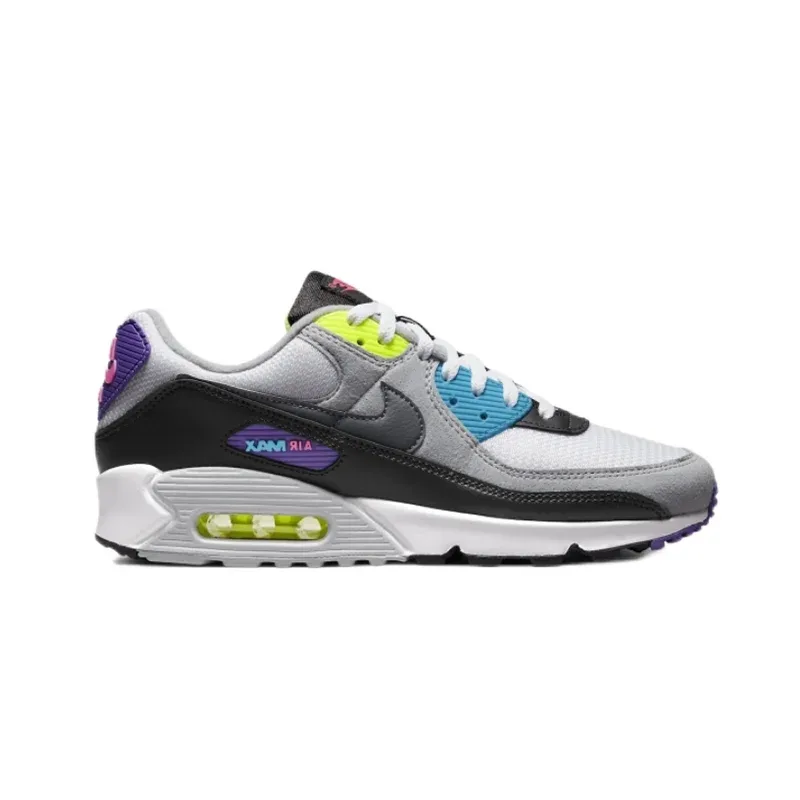
~$39.58 USD
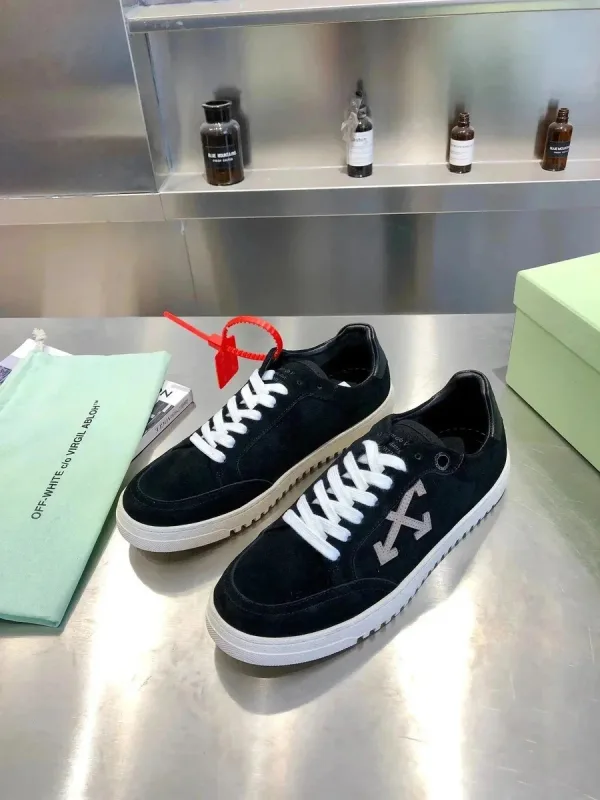
~$55.42 USD
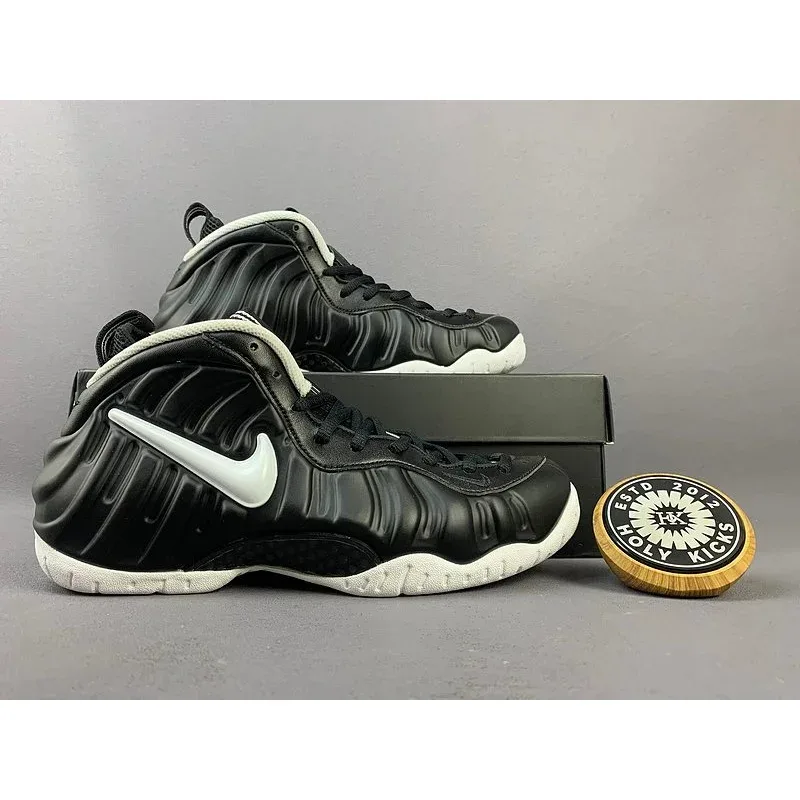
~$113.33 USD
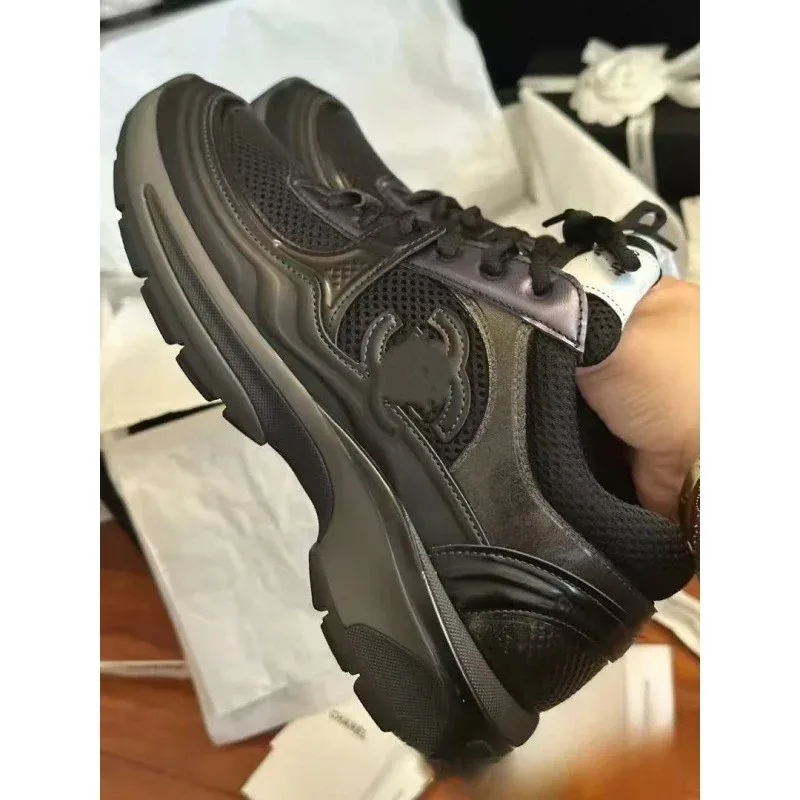
~$40.00 USD
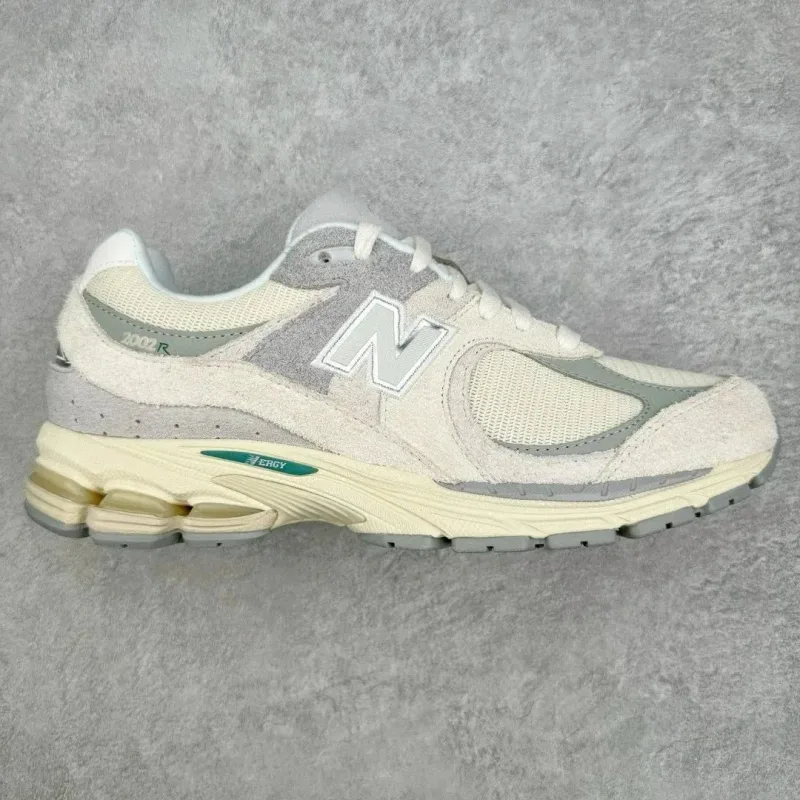
~$43.33 USD
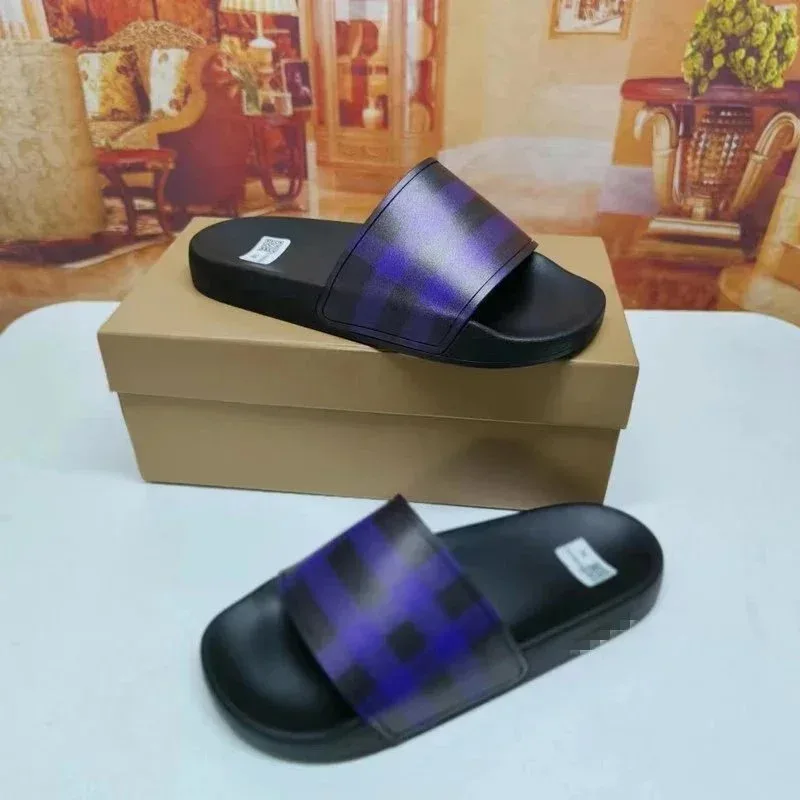
~$26.25 USD
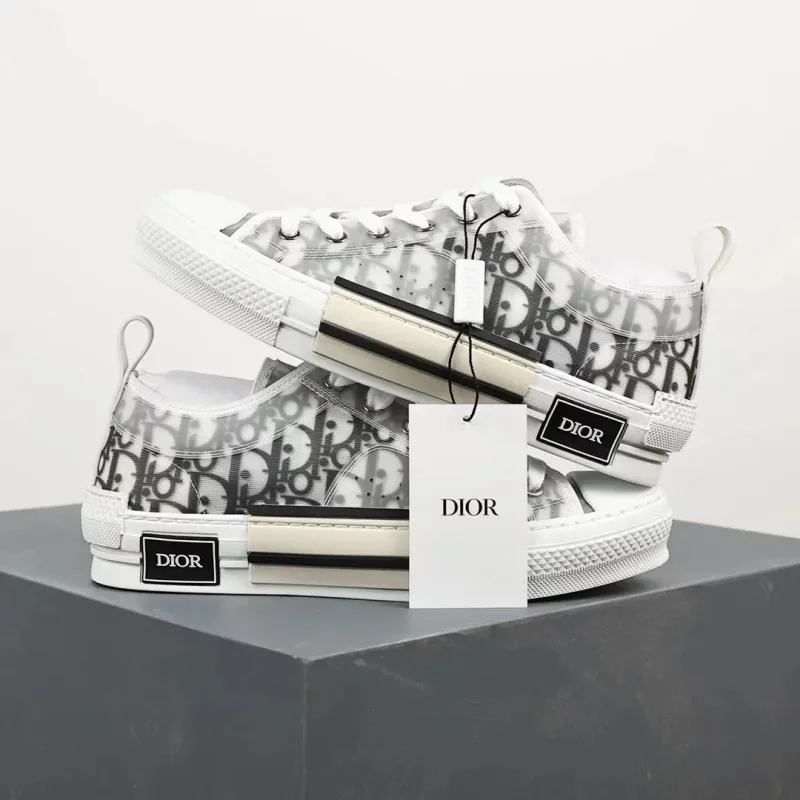
~$68.00 USD
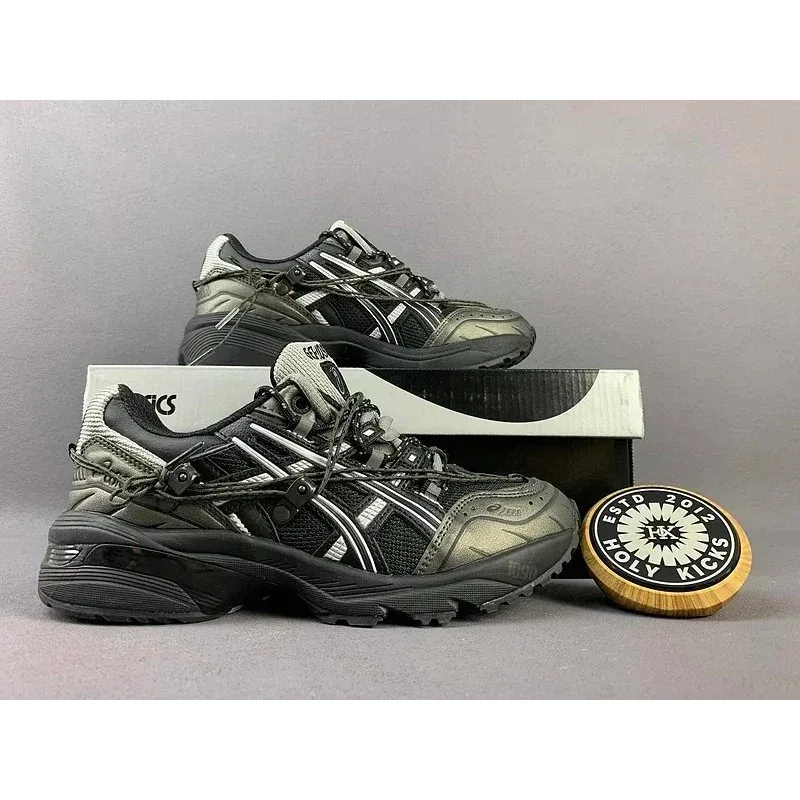
~$38.61 USD
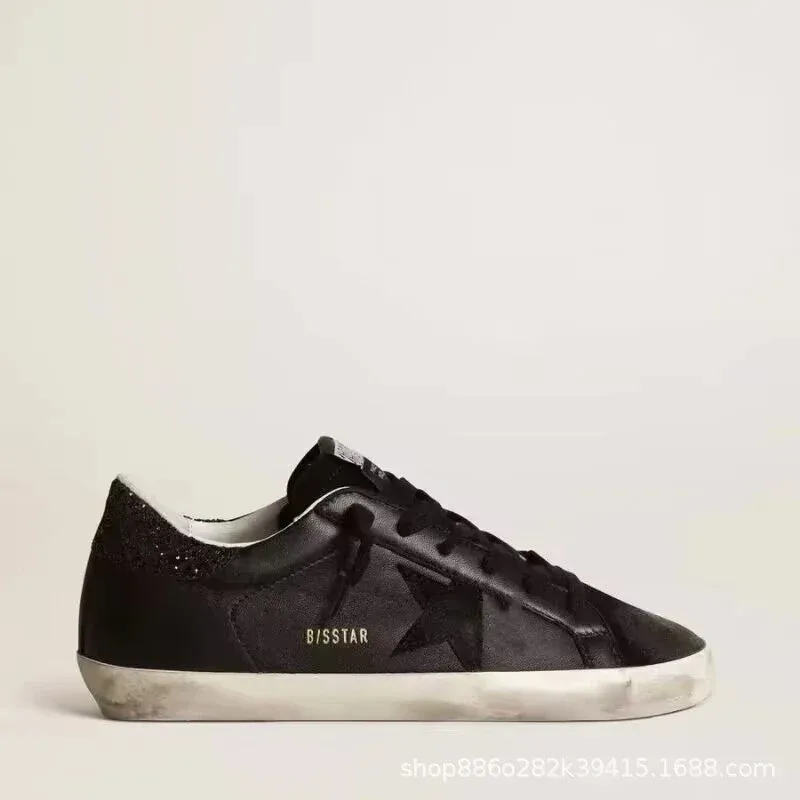
~$38.17 USD
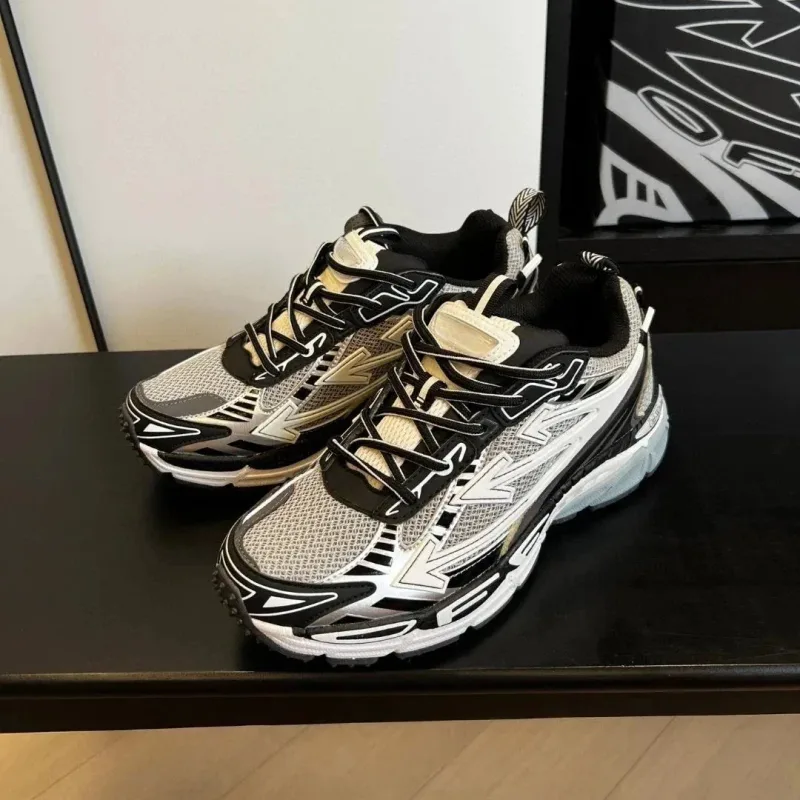
~$100.28 USD
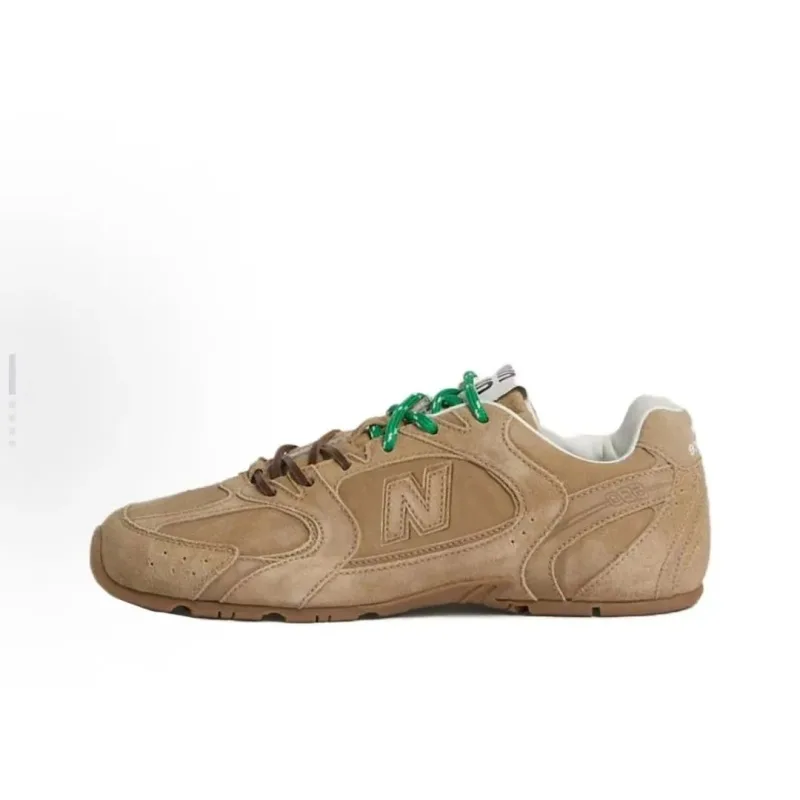
~$65.33 USD
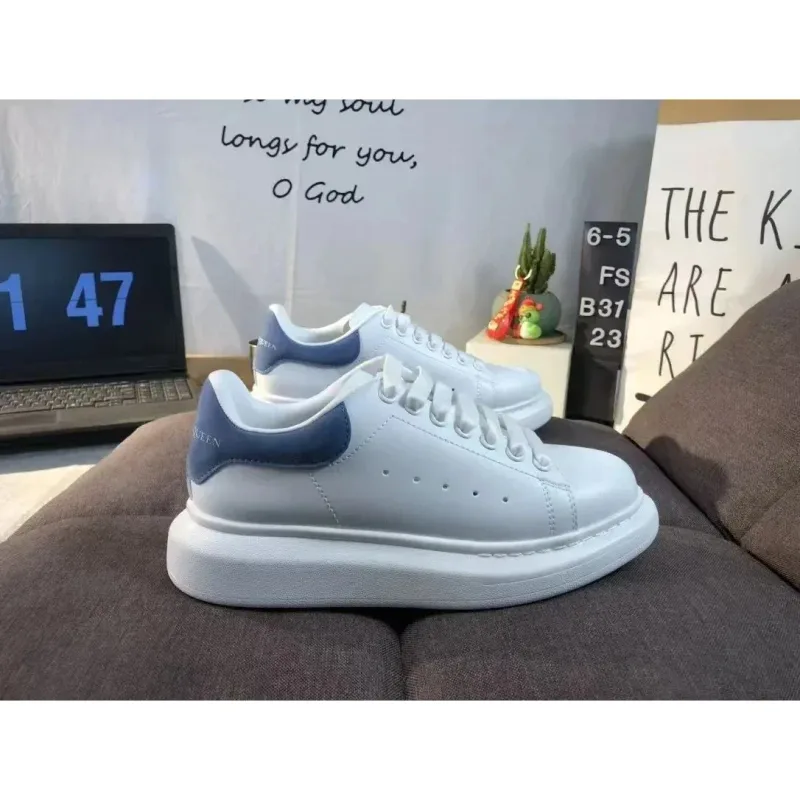
~$23.17 USD
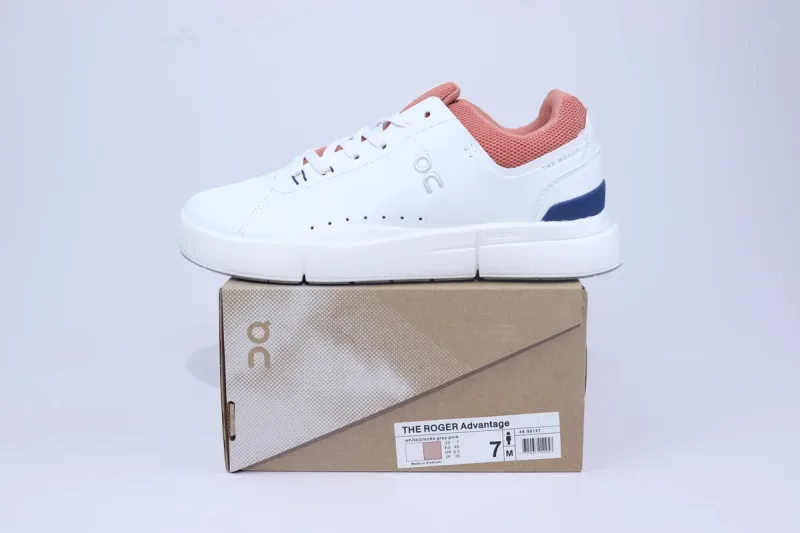
~$49.60 USD
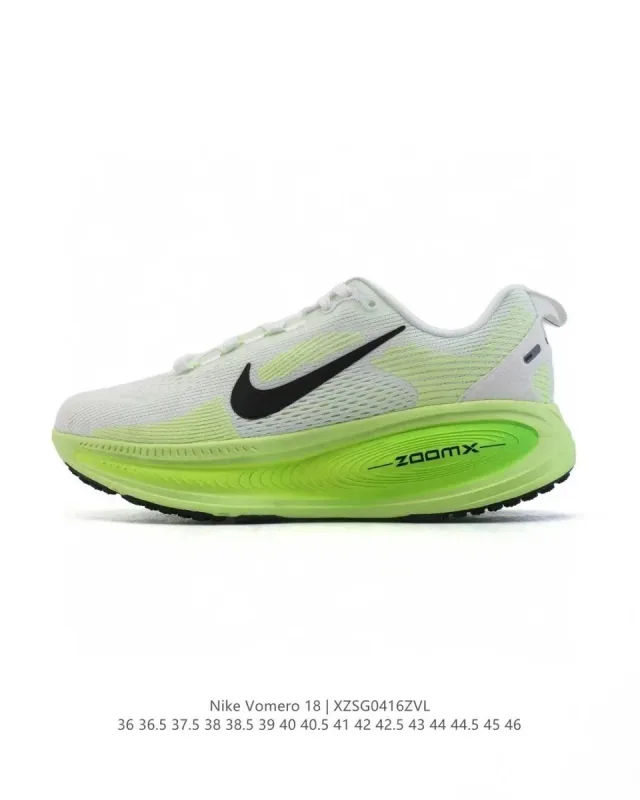
~$40.83 USD
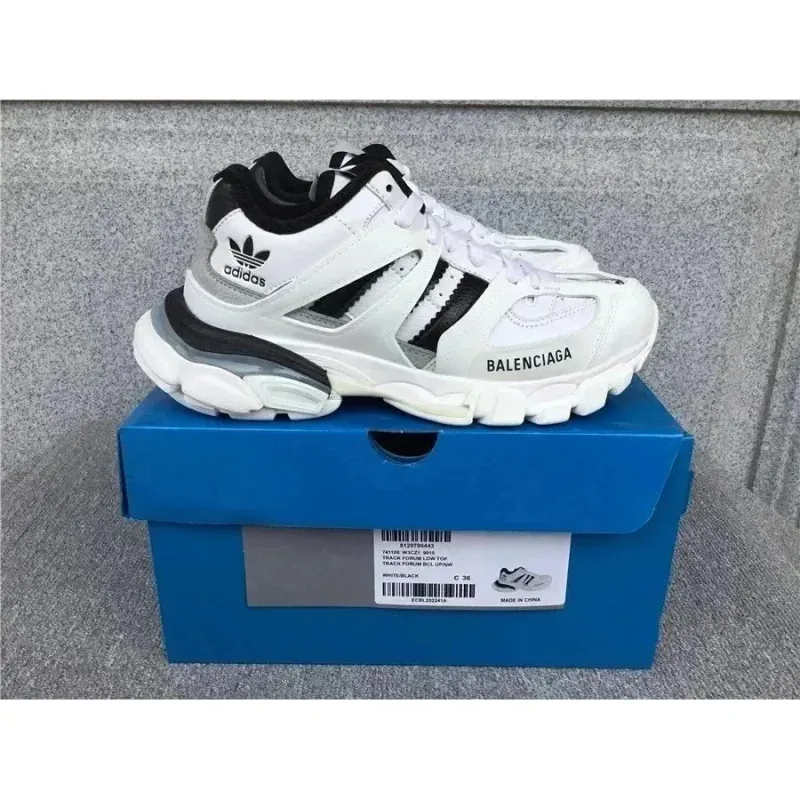
~$92.17 USD
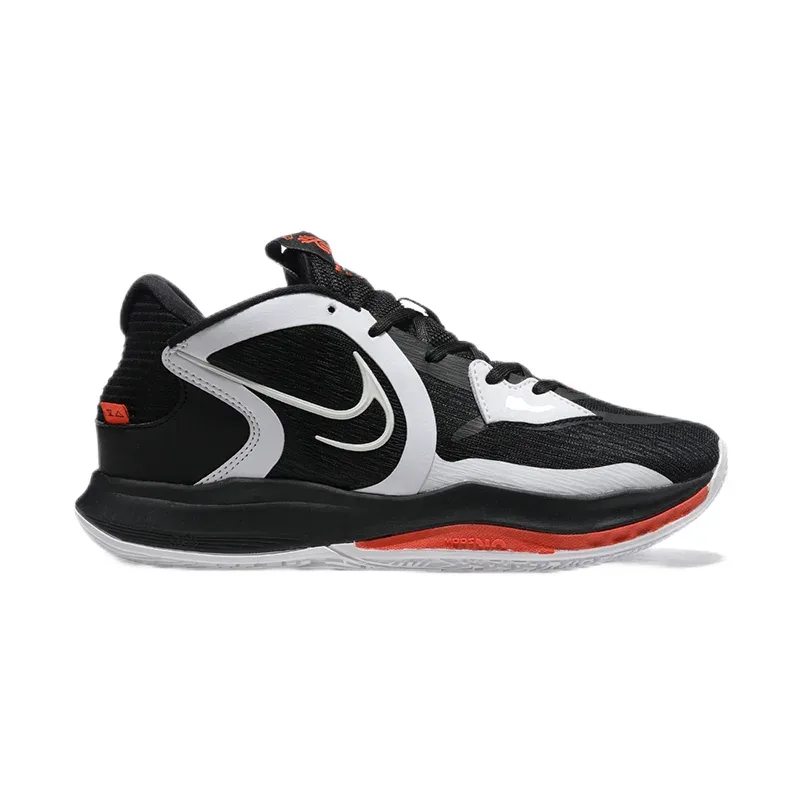
~$52.50 USD
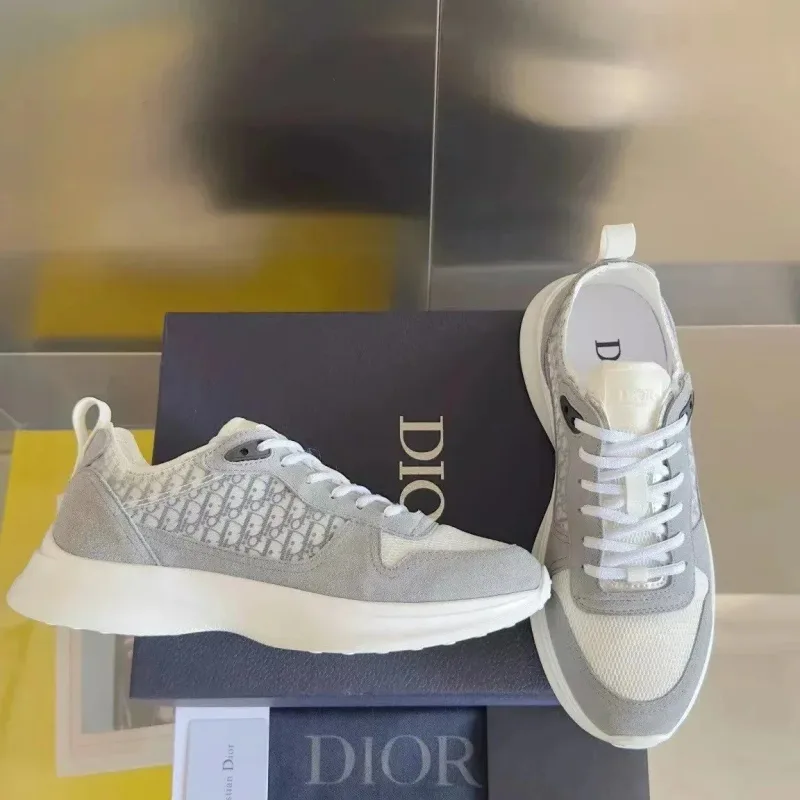
~$66.33 USD
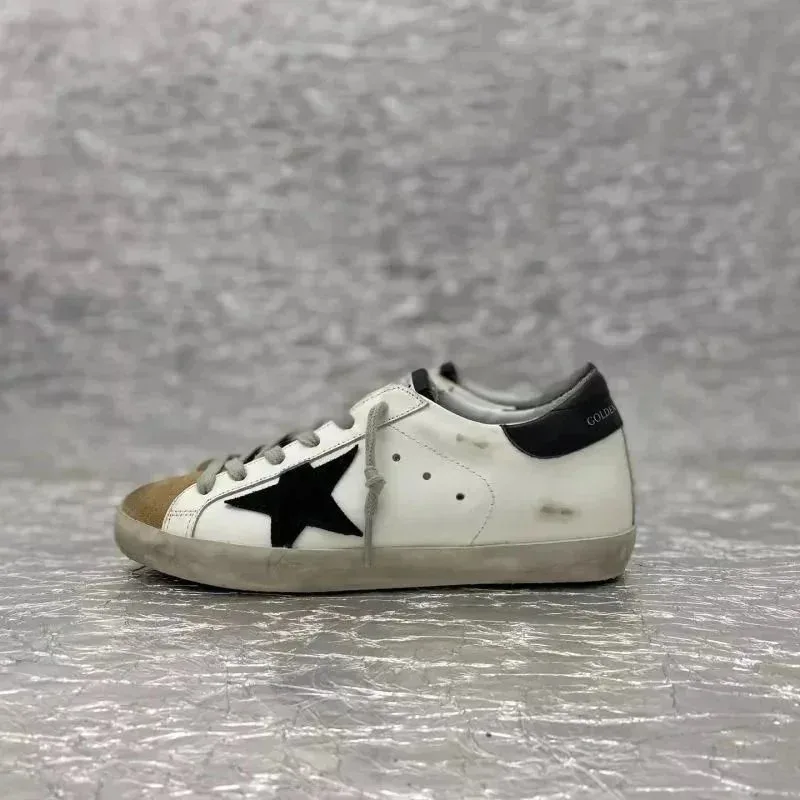
~$57.60 USD
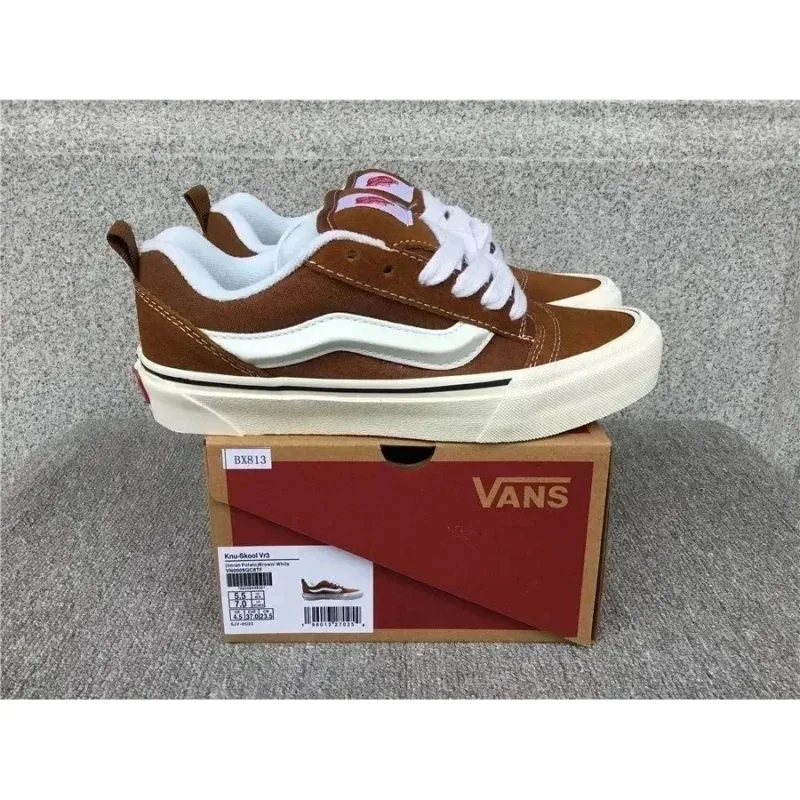
~$31.33 USD
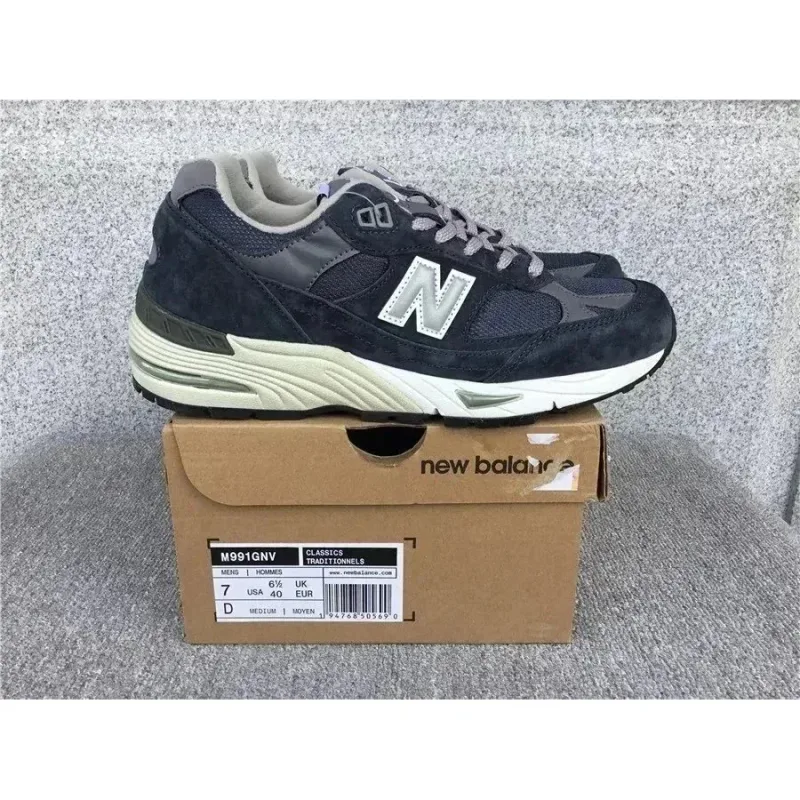
~$44.67 USD
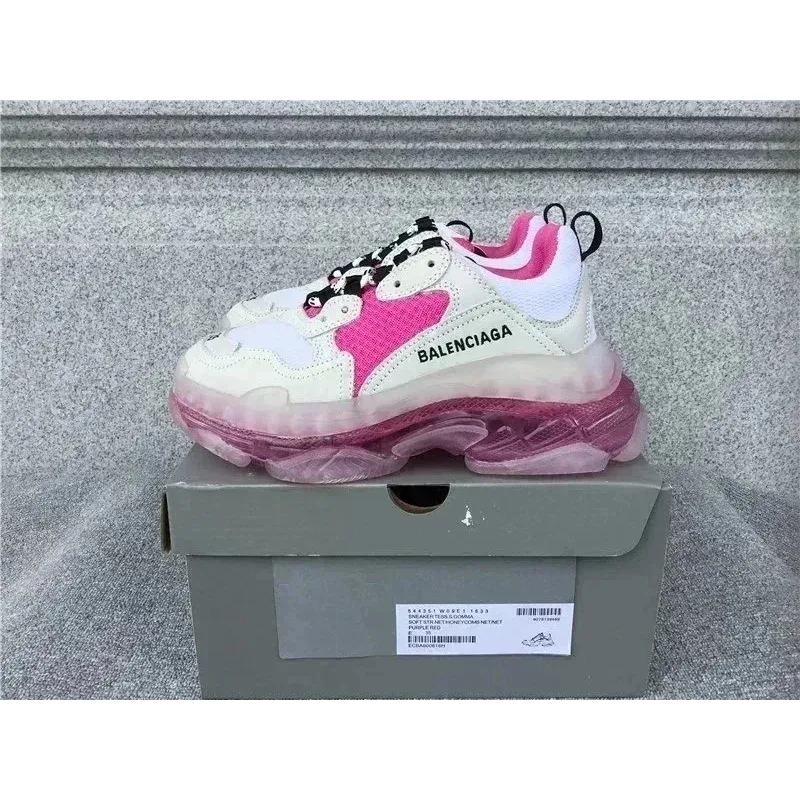
~$86.50 USD
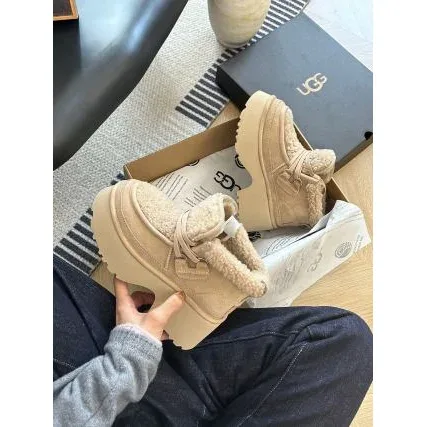
~$63.33 USD
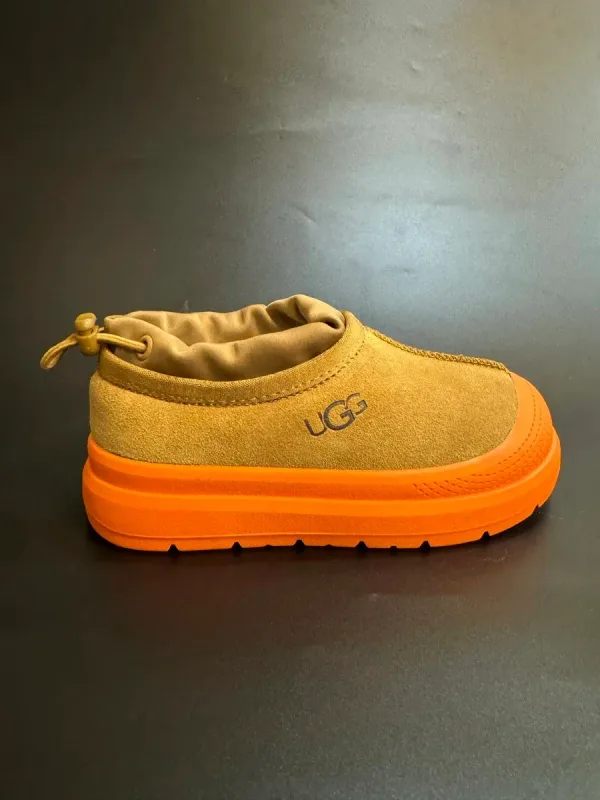
~$25.00 USD
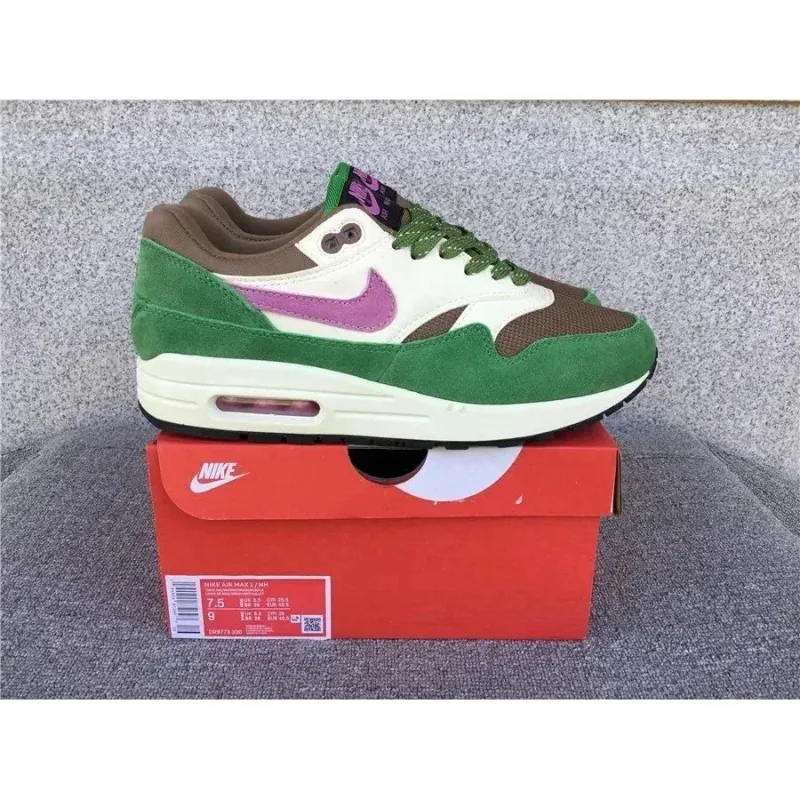
~$38.61 USD
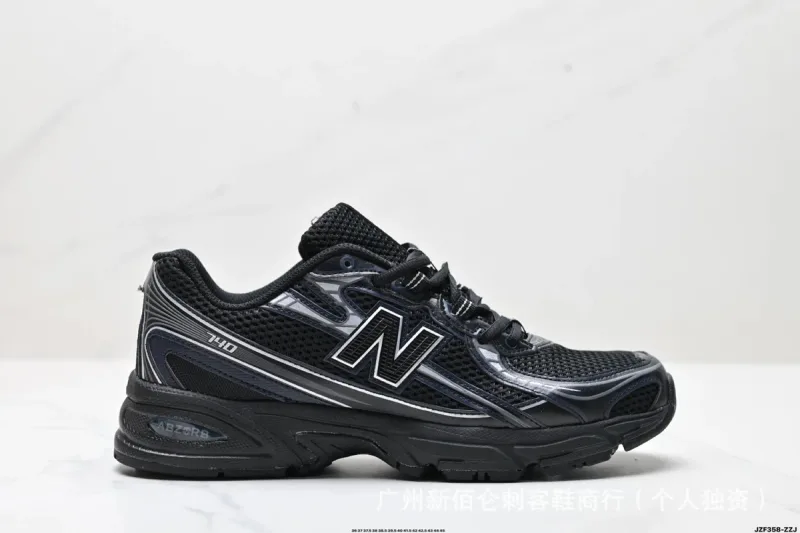
~$45.69 USD
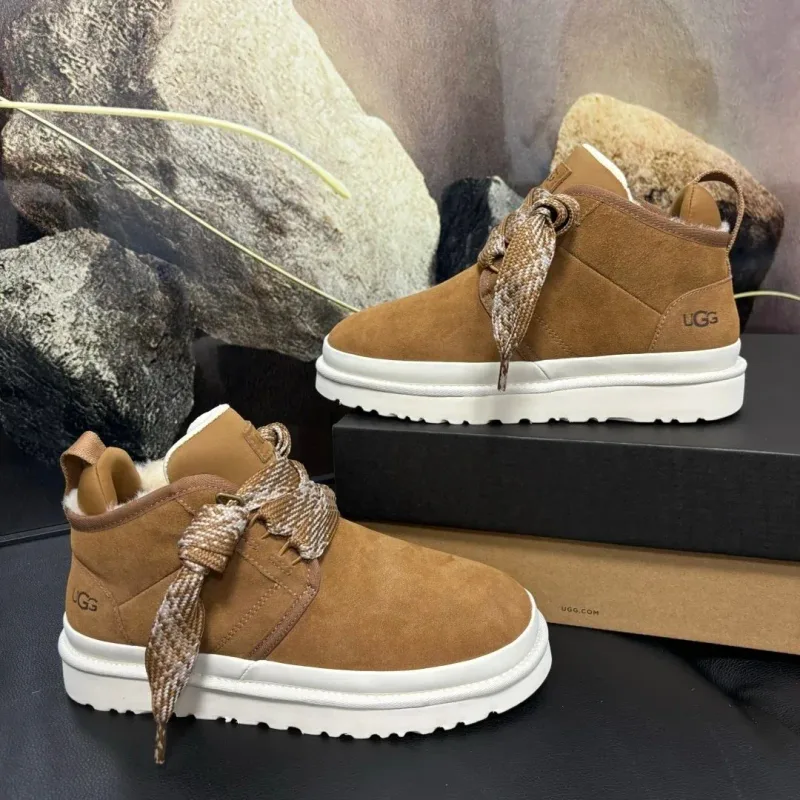
~$73.67 USD
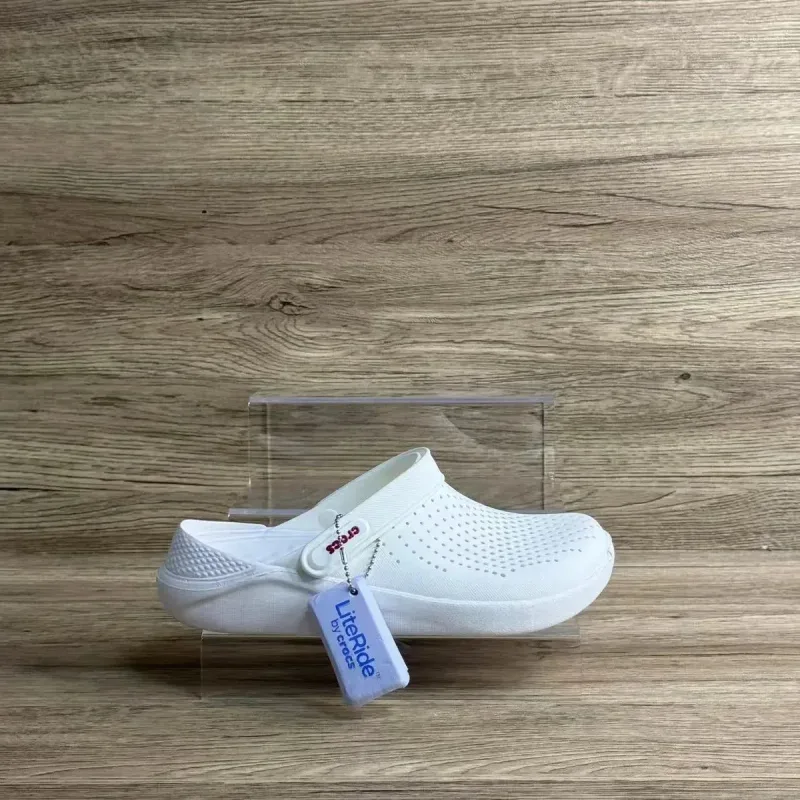
~$20.83 USD
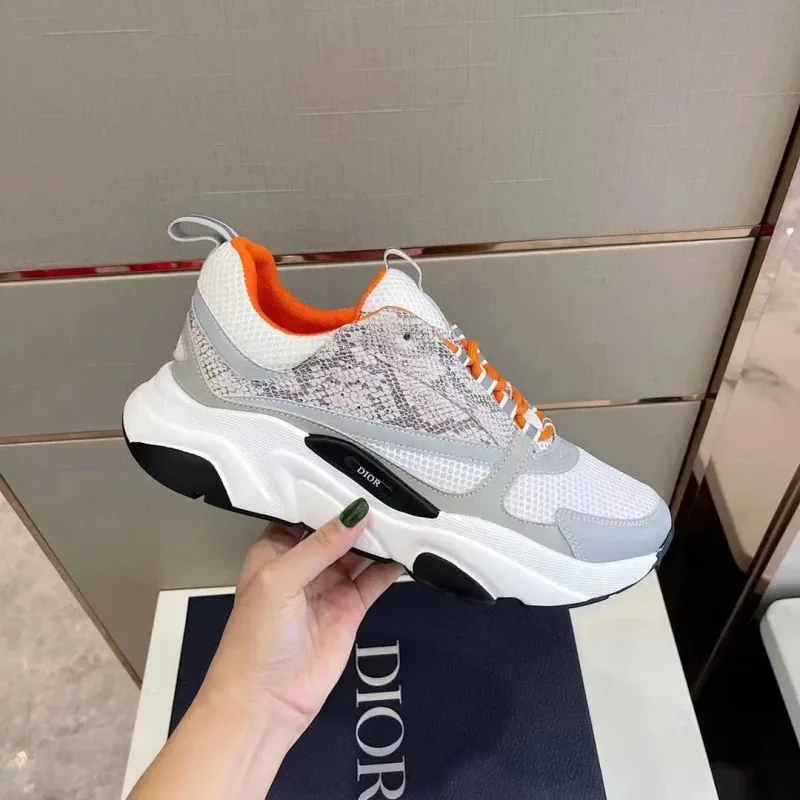
~$56.67 USD
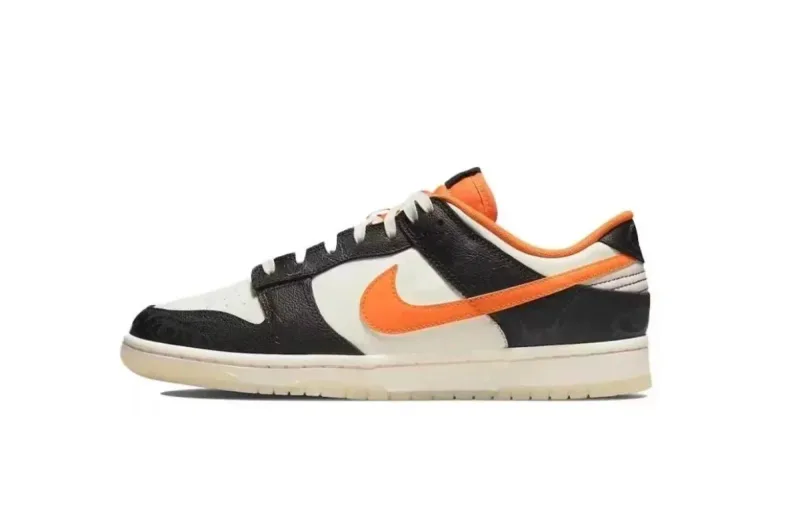
~$31.67 USD
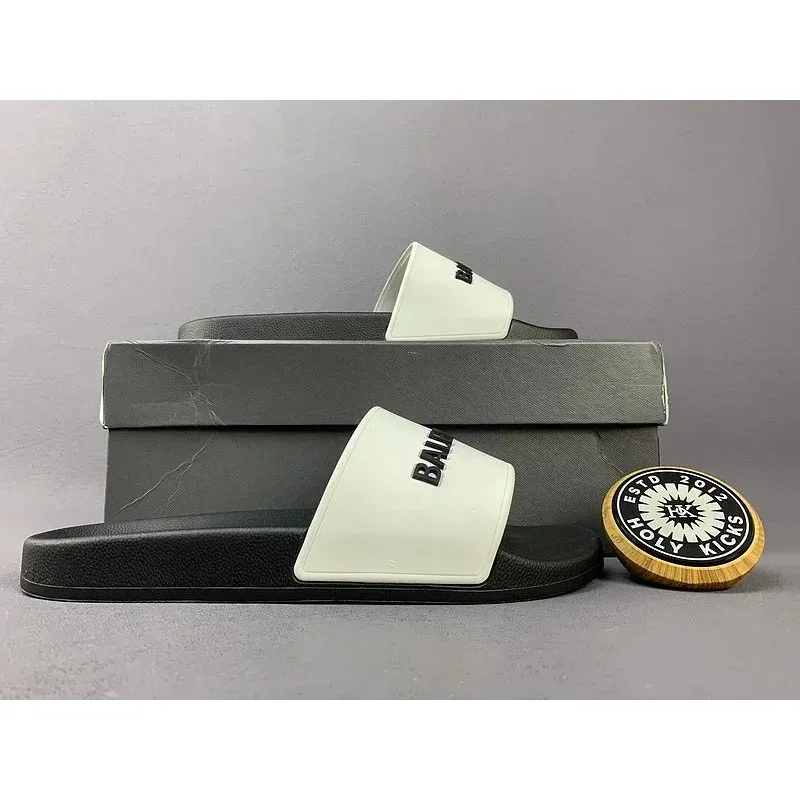
~$21.53 USD
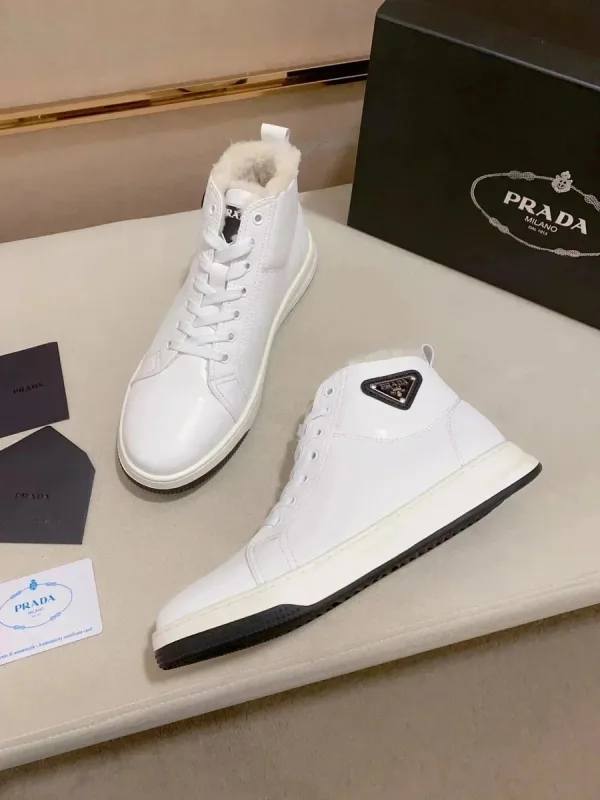
~$46.33 USD
Start with the shoe shape and colourway you want, then compare the upper and sole details. Open the matching product to check size options and QC photos of the same colourway; confirm the exact style and available size on the order page.
Compare the seller’s foot or insole measurements with a pair that fits you. EU/US labels alone do not establish the same fit across sellers; check whether the measurements describe the foot or the shoe.
Use matching colourway views of both shoes. Compare toe-box shape, heel alignment, stitching and sole edges. A historical QC group for a different size or batch is not an inspection of your future pair.
USD prices are saved estimates, excluding shipping and fees. Confirm the current price at the linked listing.
Source snapshot only. Confirm current variants, stock and final charges on the linked order page.
Browse curated shoe picks here, open the live listing for details, then paste the marketplace URL into your shopping agent to purchase, warehouse, and ship.
Focus on toe box shape, logo placement, stitching evenness, color match, and sole finishing. Ask for extra angles if a key detail is missing.
Follow the listing size chart first. When unsure, compare seller measurements with a pair you already own instead of guessing by EU/US labels alone.