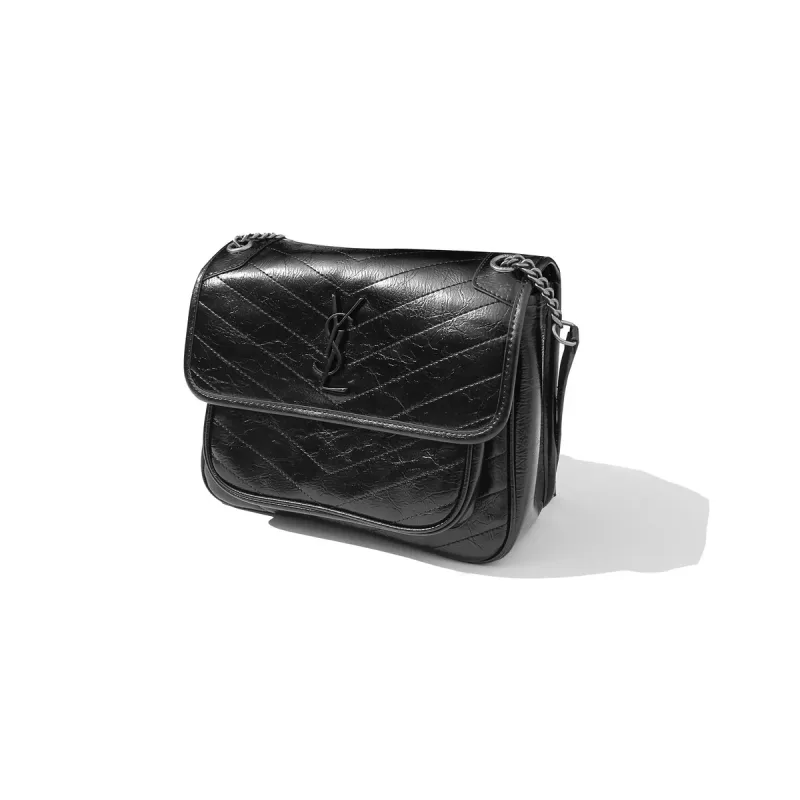
Saint Laurent Niki Black Leather Shoulder Bag
~$96.67 USD
Source reports 18 QC photosLive listing not recently checked

Compare saved Bags references here, then open the linked product page to check current details. Orders and fulfillment take place outside this site.
Browse more spreadsheet Bags products ↗
~$96.67 USD

~$12.50 USD

~$14.31 USD
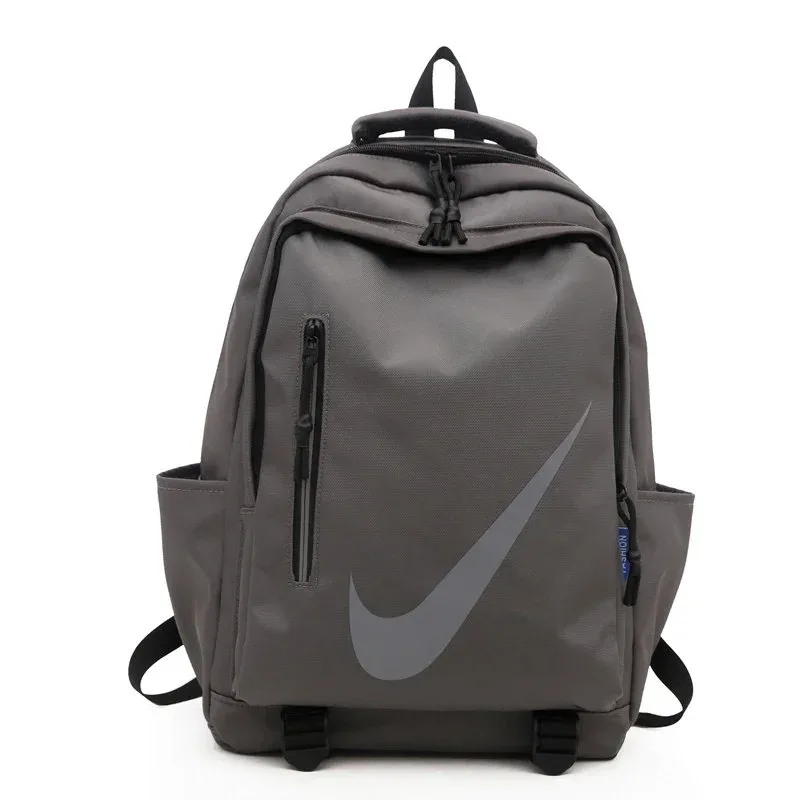

~$33.33 USD

~$33.33 USD

~$16.67 USD
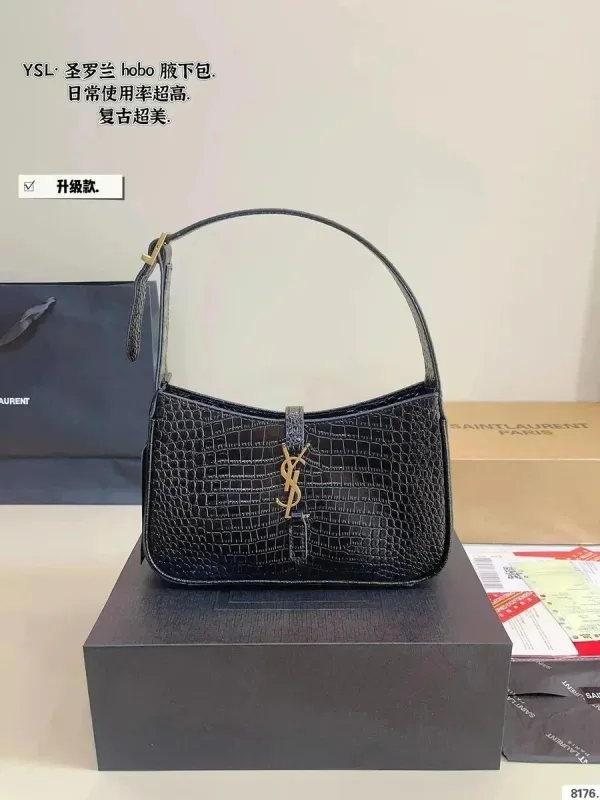
~$71.67 USD
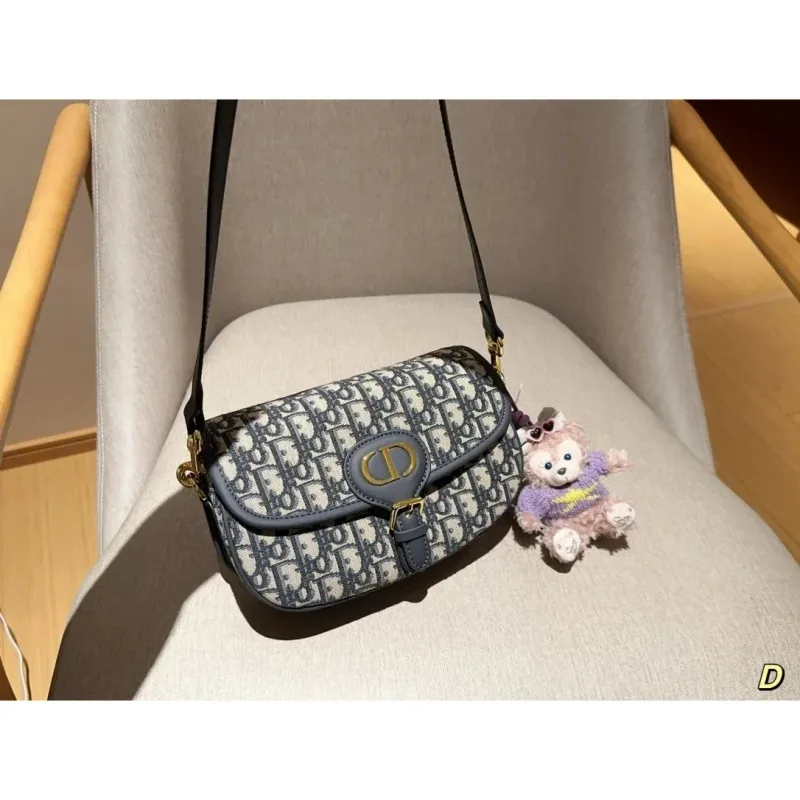
~$77.67 USD
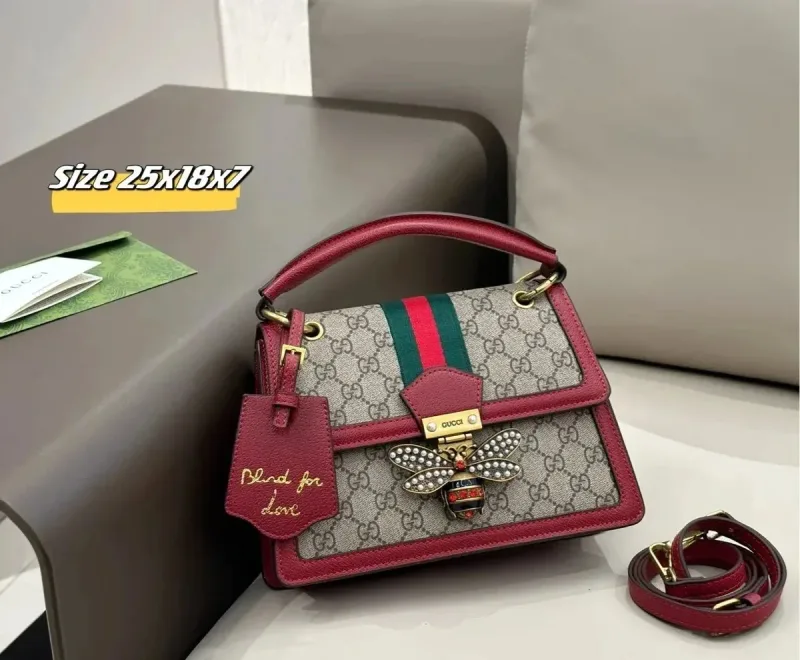
~$33.33 USD

~$69.42 USD
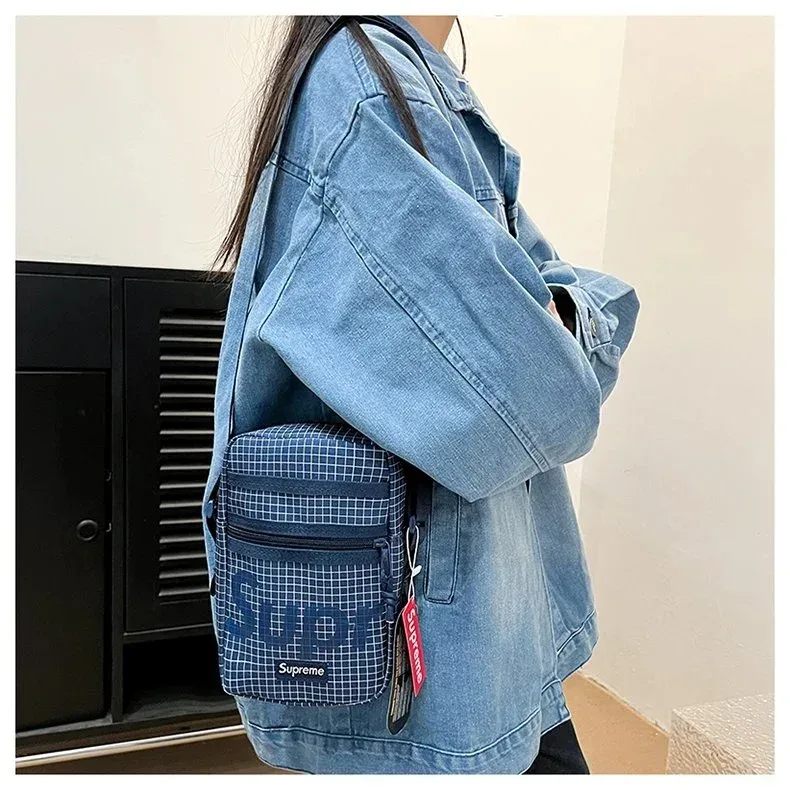
~$9.83 USD

~$55.00 USD

~$11.67 USD
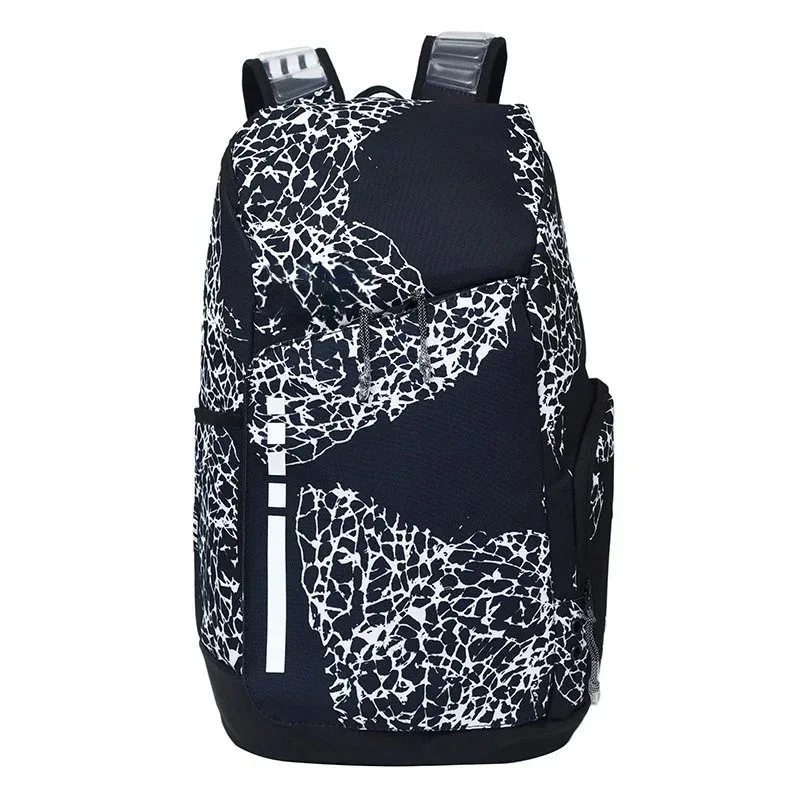
~$11.90 USD
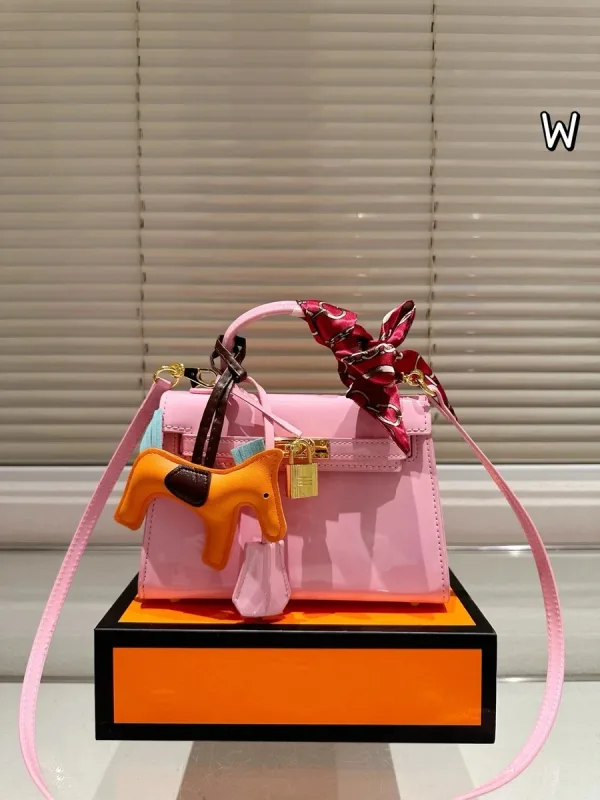
~$65.00 USD
Start with what the bag needs to hold, then compare its shape, compartments and carrying options. Open the product for dimensions and interior views; for wallets and card holders, check the slot layout and closure.
Check width, height, depth and strap length against what you need to carry. A product photo without a scale reference can make a small bag look larger.
Use exterior, lining and strap-attachment views. For wallets and card holders, check compartment layout; photos do not establish leather composition.
USD prices are saved estimates, excluding shipping and fees. Confirm the current price at the linked listing.
Source snapshot only. Confirm current variants, stock and final charges on the linked order page.
Browse bag finds, open live details for measurements, then place the order with your agent and inspect warehouse QC before shipping.
Front, back, interior, zipper close-ups, and strap attachments. Request a scale reference if size is hard to judge.